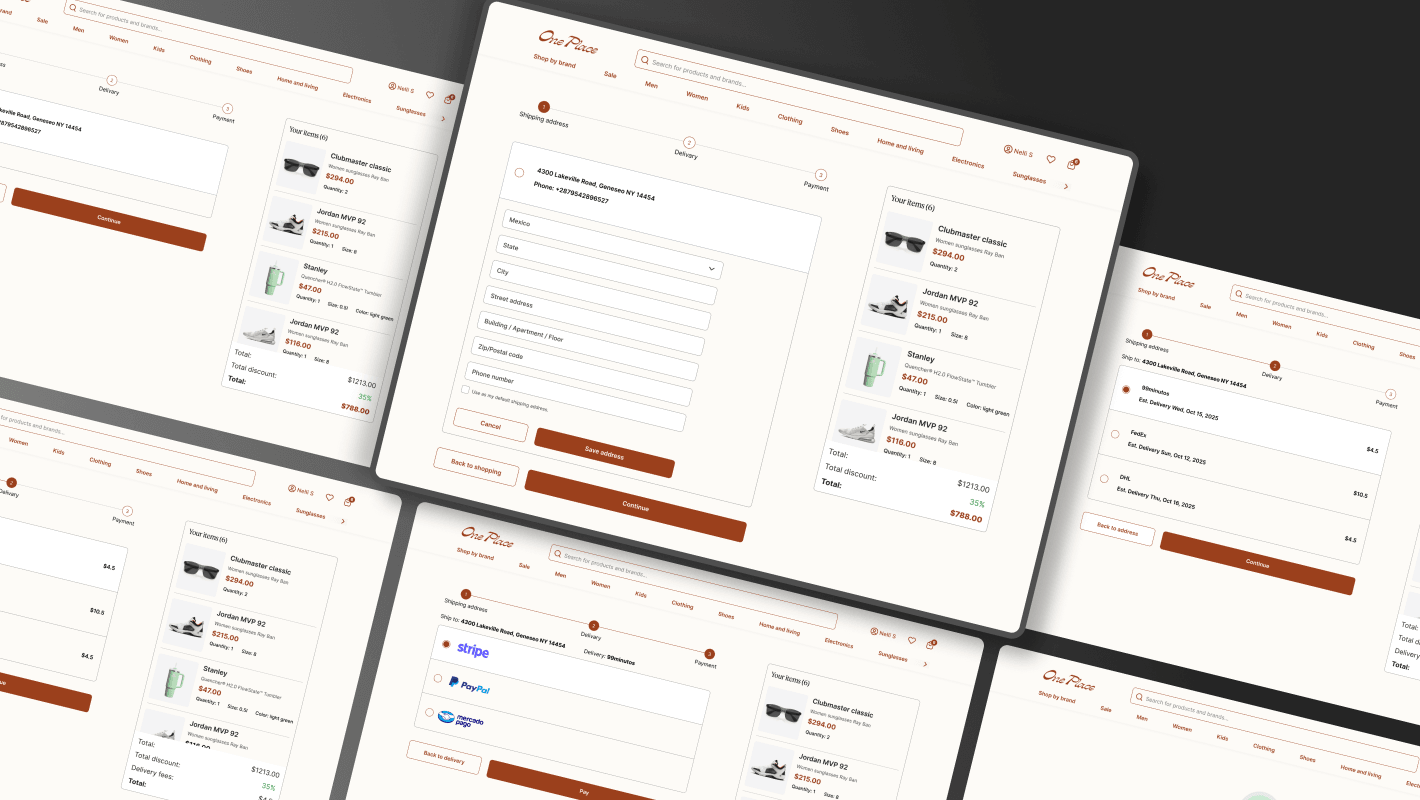
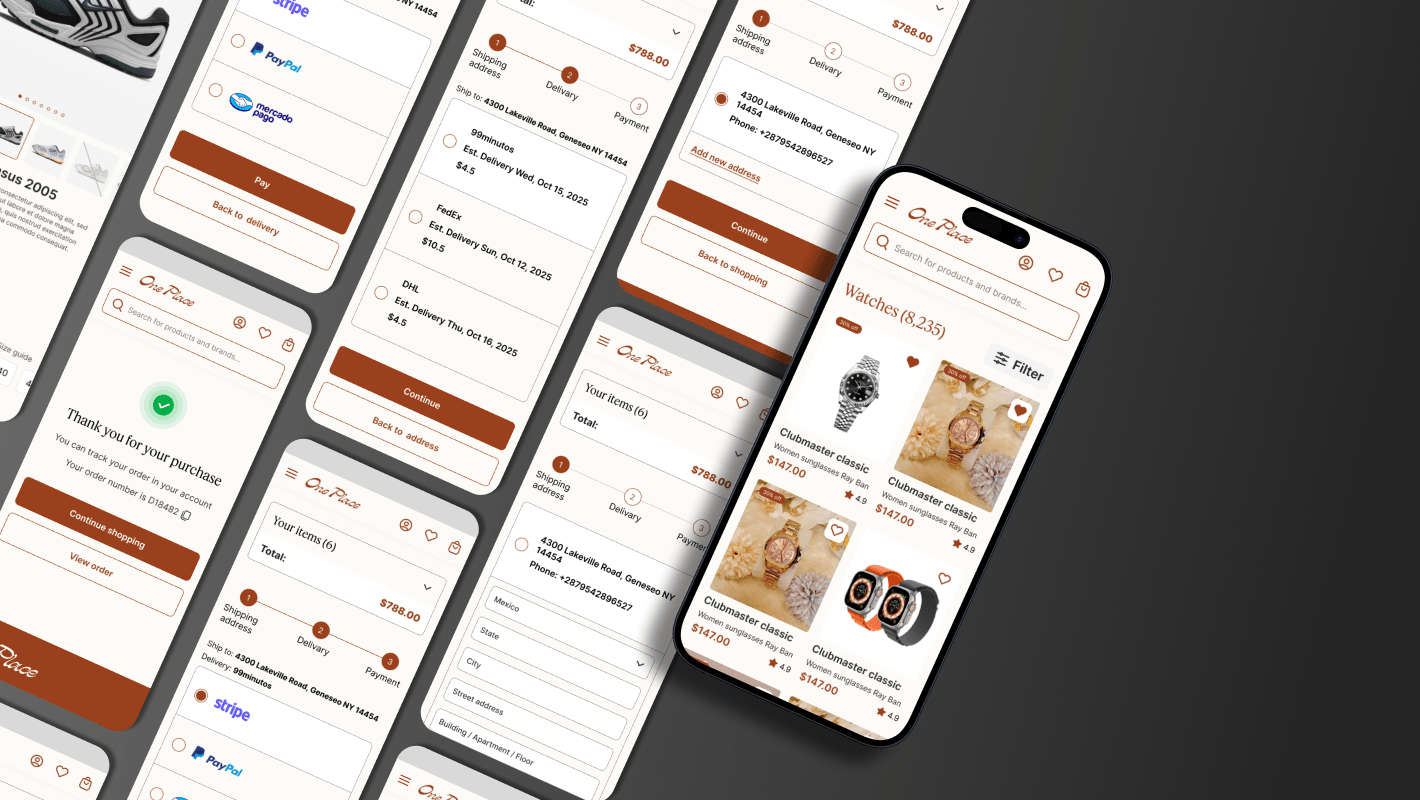
Buyer experience
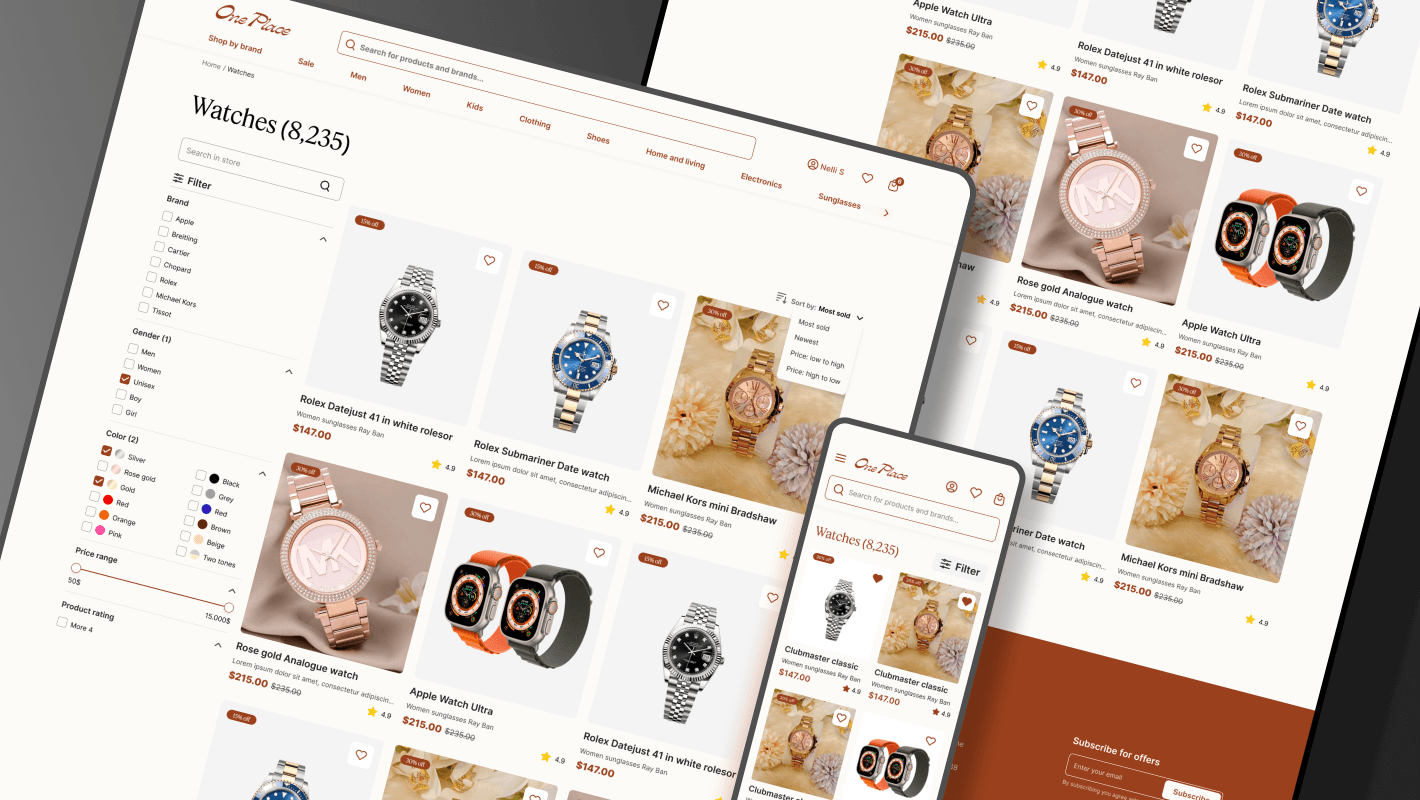
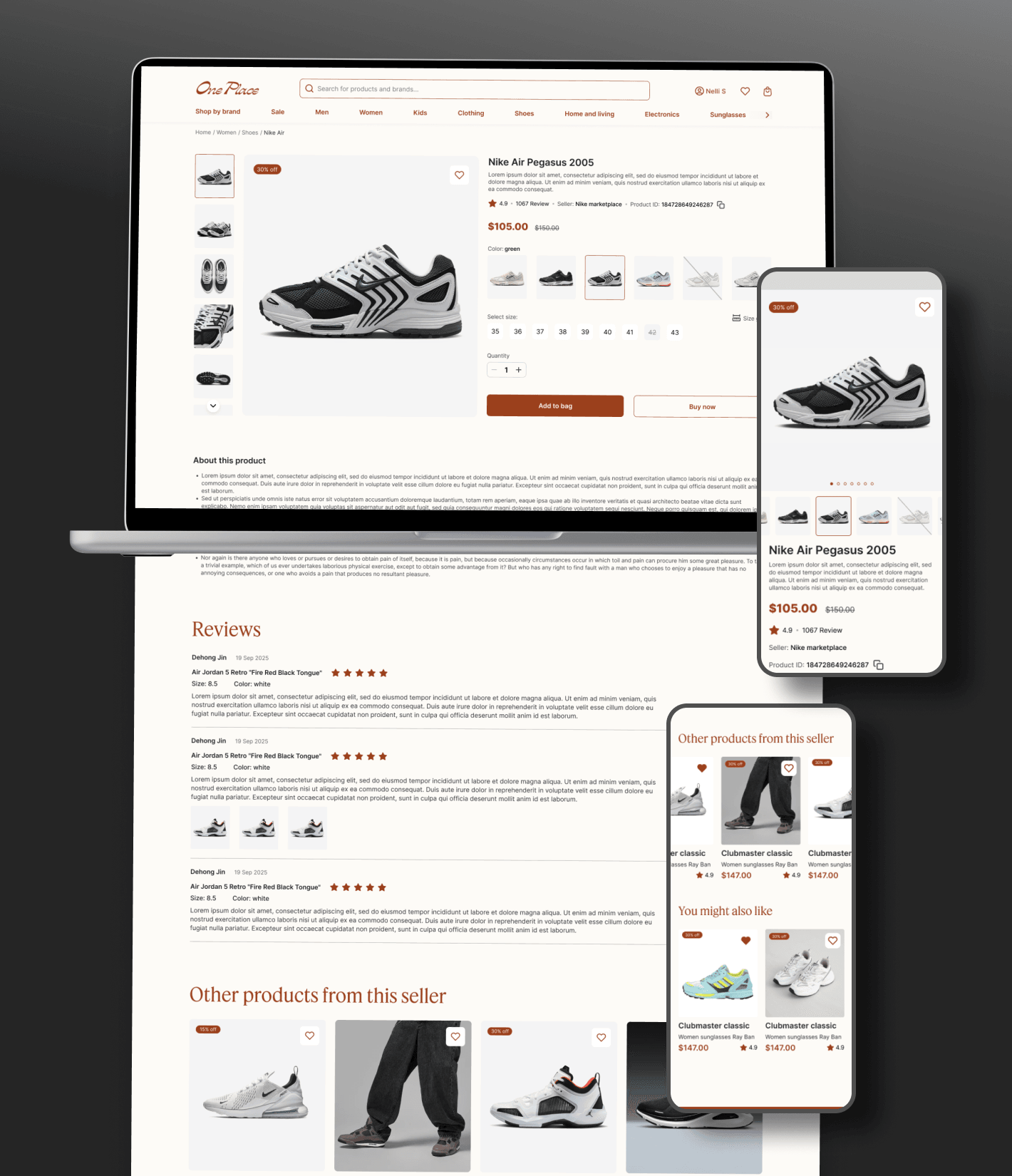
Catalog, search, filtering, checkout, and order tracking.

Shiftr designed and developed OnePlace’s marketplace, connecting product discovery, vendor operations, ordering, and payments in one platform.
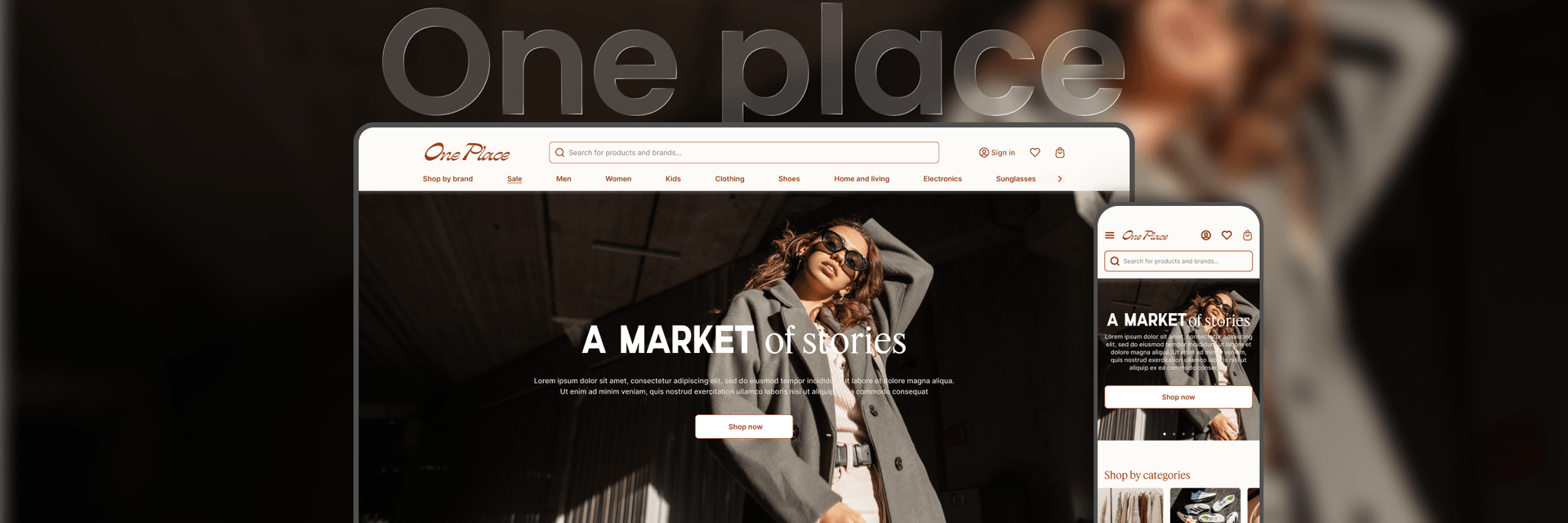
OnePlace needed a marketplace for the Mexican market, with multiple vendors, varied product categories, and integrated payments. Buyers and sellers required distinct experiences within one product.
Mobile shopping and local payment preferences shaped the brief. The platform needed to support product discovery and checkout as well as the operational tools that keep a marketplace running.
Inventory, pricing, vendor management, and purchasing had to stay coordinated across different user groups. Building from the ground up also meant establishing a structure that could accommodate more products and vendors without making the customer journey harder to navigate.
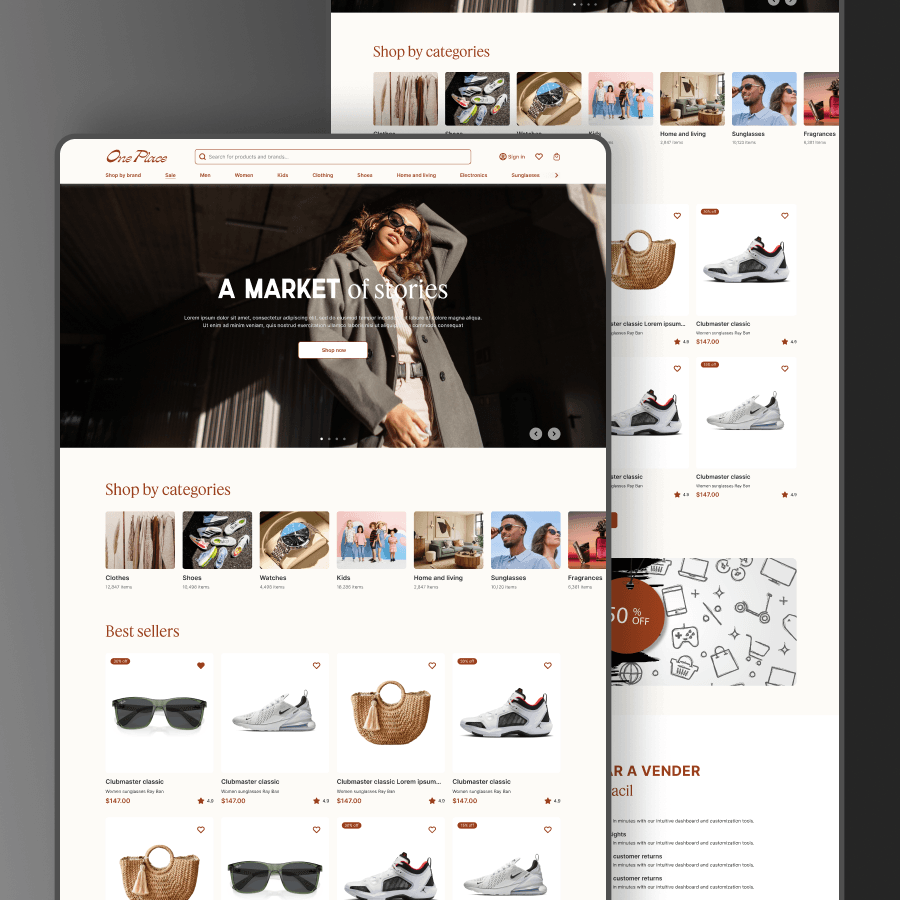
The full-stack marketplace combines vendor onboarding and store management with product catalogs, search, filtering, ordering, and checkout. Separate buyer, vendor, and administration areas organize access around the work each audience needs to perform.
Work progressed from information architecture and UX to database design, backend APIs, frontend development, and QA. Mobile responsiveness and performance were addressed throughout.
OnePlace launched as an operational marketplace supporting multiple vendors and product categories.

Catalog, search, filtering, checkout, and order tracking.
Seller onboarding, store management, and product administration.
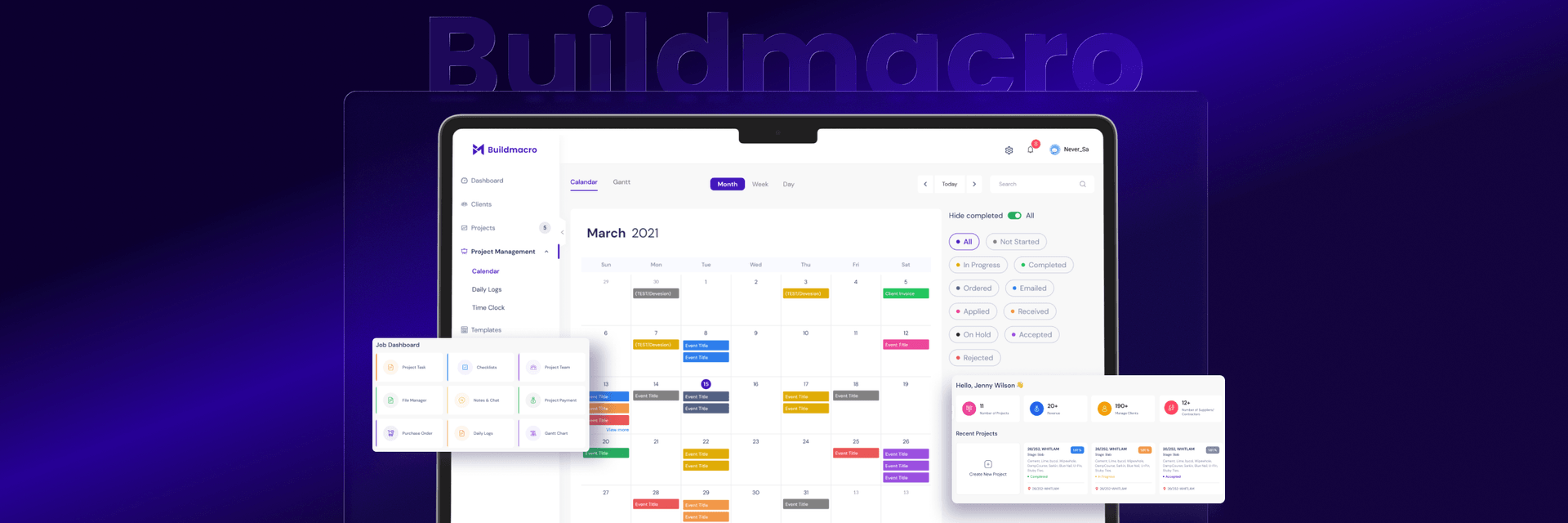
A separate management layer supporting the wider marketplace.
A functional view of the product’s workflows.
Explore the interfaces and workflows. Select an image to view it in detail.
From the office to the field.